
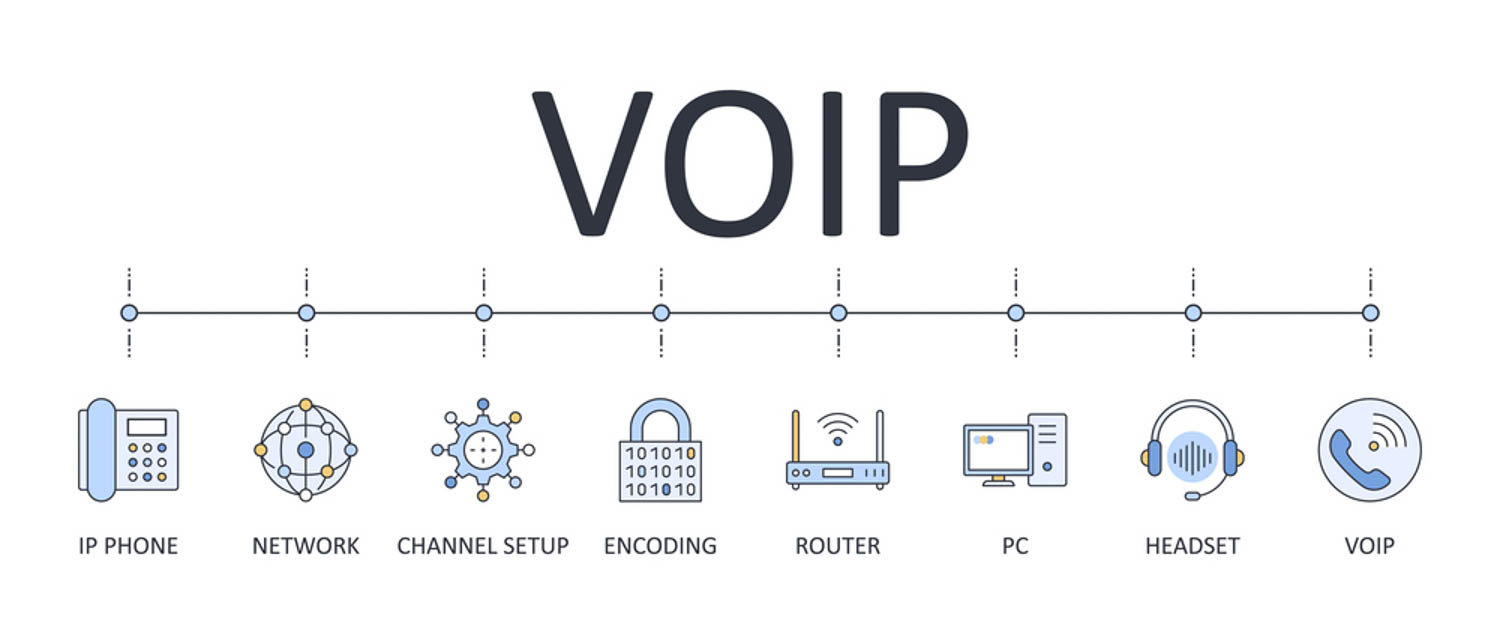
Choosing the right business VoIP equipment is an important step when upgrading an office phone system, but a reliable installation involves more than simply putting IP phones on desks. The right combination of handsets, headsets, switches, routers, adapters, computers, mobile devices, and PBX software creates a communication platform that can support day-to-day operations and future growth.
For companies across Toronto and the GTA, selecting the right components also means considering how the phone system will work with existing cabling, internet connectivity, cybersecurity controls, and office infrastructure. A properly planned installation can help reduce technical issues while giving employees the flexibility to communicate from the office, remotely, or across multiple locations.
What Equipment Is Needed for a Business Phone System?
Every organization has different requirements. A small professional office may only need a few IP phones and a suitable network switch, while a larger organization could require dozens or hundreds of endpoints, multiple switches, dedicated security appliances, conference equipment, and an advanced phone platform.
Here are the main components to consider.
1. VoIP Phones
IP phones are the most visible part of a modern office calling system. Unlike traditional handsets, they connect through Ethernet or Wi-Fi and communicate using your data connection.
When selecting desk phones, consider:
- Number of extensions and simultaneous calls
- HD audio and microphone quality
- Power over Ethernet (PoE) compatibility
- Gigabit Ethernet ports
- Programmable buttons
- Conference calling capabilities
- Colour displays and touchscreen options
- Bluetooth or wireless headset support
Entry-level handsets can be suitable for standard office users, while executives, receptionists, call centre employees, and conference rooms may benefit from more advanced models.
2. Headsets for Employees
A quality headset can make a significant difference for employees who spend much of their day speaking with customers, suppliers, or colleagues.
Wired USB headsets are a straightforward option for computer-based calling, while wireless models provide greater freedom around the workstation. Some IP phones also support dedicated headset connections.
For busy offices, look for features such as:
- Noise cancellation
- Comfortable ear cushions
- Clear microphone pickup
- Wireless range
- Multi-device connectivity
- Easy mute and call controls
The right headset is particularly valuable for reception, sales, customer service, and other roles where employees handle frequent conversations.
3. Routers and Firewalls
The phone system depends heavily on the quality and configuration of the company’s network. Your router manages traffic between the local office and the internet, while the firewall helps protect internal resources and control incoming and outgoing connections.
A suitable business router and firewall should be capable of handling your organization’s overall traffic while supporting voice communications. Depending on the installation, it may also provide VPN access, VLAN support, traffic management, and other security functions.
For larger organizations, network segmentation can help separate voice traffic from general data. Quality of Service (QoS) can also be configured to give time-sensitive voice packets appropriate priority when the connection is busy.
This is one reason we recommend assessing the complete network before installing a new phone platform rather than treating the handsets as a standalone project.
4. PoE Network Switches
A Power over Ethernet switch can simplify an office installation by delivering both network connectivity and electrical power to compatible phones through a single Ethernet cable.
This can reduce the need for individual power adapters and help keep workstations organized.
When evaluating a switch, consider:
- Number of available ports
- PoE or PoE+ support
- Total power budget
- Gigabit connectivity
- VLAN capabilities
- QoS features
- Uplink capacity
- Managed versus unmanaged operation
The switch should have enough capacity for current users plus reasonable room for expansion. It may also need to support other PoE devices, such as wireless access points, security cameras, or access-control equipment.
For Toronto and GTA offices undergoing renovations or new construction, switch selection should be coordinated with the structured cabling plan so that each workstation and communications endpoint has appropriate connectivity.
5. VoIP Adapters
Not every organization needs to replace every existing telephone device. An analog telephone adapter (ATA) can connect certain traditional analog equipment to an IP-based calling service.
Depending on the application, adapters can be useful for:
- Existing analog phones
- Fax equipment
- Door phones
- Paging systems
- Certain specialized communication devices
Whether an adapter makes sense depends on the age and type of the existing equipment. In some cases, replacing outdated hardware provides a cleaner, more reliable long-term solution.
6. Computers and Mobile Devices
Modern office calling does not have to be limited to a physical desk phone. Employees can use computers, laptops, tablets, and smartphones with compatible softphone applications.
This approach can be especially useful for hybrid teams, sales representatives, field personnel, and employees who move between locations.
A computer-based setup may require:
- A reliable computer or laptop
- USB or Bluetooth headset
- Softphone application
- Stable internet connection
- Compatible operating system
- Webcam for video communications, where required
Mobile applications can also allow employees to access business calling features without giving customers a personal mobile number.
7. PBX and VoIP Software
Behind the phones and network hardware is the software that manages extensions, call routing, voicemail, auto attendants, queues, conferencing, and other features.
A cloud PBX system hosts these functions through a service provider, reducing the need for dedicated phone-system hardware at the office. An on-premises IP-PBX, meanwhile, keeps the core platform within the organization’s facility and may provide greater control over certain configurations.
The right approach depends on factors such as:
- Number of employees
- Number of locations
- Internal IT resources
- Security requirements
- Budget
- Remote-work requirements
- Desired calling features
- Business continuity needs
Some organizations may also integrate their calling platform with CRM, Microsoft 365, contact-centre, or other business applications.
Don’t Forget the Cabling
One area that is sometimes overlooked during a phone-system upgrade is the physical cabling.
IP phones, switches, wireless access points, computers, cameras, and other connected devices all depend on reliable structured cabling. Existing Ethernet wiring may be perfectly suitable—or it may need testing, repair, or replacement before deployment.
For new offices and major renovations, businesses may also need:
- Category 6 or higher Ethernet cabling
- Fibre optic connections between network areas
- Patch panels
- Network racks and cabinets
- Cable management
- Proper labelling and documentation
Because our team works across voice, data cabling, fibre optics, access control, and communications infrastructure, we can look at the complete environment rather than evaluating the phone system in isolation.
How Much Equipment Does a Business Actually Need?
There is no universal equipment list. A ten-person office and a multi-floor organization have very different requirements.
A basic installation might include:
- IP phones for employees
- Headsets for frequent callers
- A PoE switch
- Business-grade router and firewall
- PBX or hosted calling platform
- Computers and mobile devices for softphone users
- Appropriate Ethernet cabling
A larger deployment may add redundant switching, multiple network closets, fibre links, conference-room equipment, advanced security, additional wireless infrastructure, and centralized management.
The key is to size the system around actual users, locations, applications, and expected growth—not simply purchase the most expensive hardware available.
Build the Right System From the Ground Up
A successful office phone installation is about more than buying handsets. Every component—from the Ethernet cable and PoE switch to the firewall and PBX platform—needs to work together.
For organizations in Toronto and throughout the GTA, professional planning can also help identify infrastructure limitations before they become expensive problems. We help small, medium-sized, and large organizations plan and implement enterprise communications and infrastructure solutions, including voice and data cabling, fibre optics, IP telephony, PBX, and access control.
Whether you’re opening a new office, replacing an aging phone system, expanding to another location, or supporting a hybrid workforce, start with an assessment of what your organization actually needs. The best business VoIP equipment is the equipment that fits your users, infrastructure, security requirements, and long-term growth.
Ready To Upgrade Your Business Phone System?
Call us today at (647) 313-1943 or book a consultation online to discuss your VoIP, PBX, and network infrastructure needs. Our team serves businesses across Toronto and the GTA and can help you design the right solution for your organization.